
Priority Care: Faster Access to Expert Support
Priority Care is a month-to-month add-on that sends your technical support Live Chats to a dedicated team of A+ or N+ certified agents, so you get help faster. Add it under “Just For You” in your Customer Zone or the Webafrica app, then log in and start a Live Chat. It’s for technical chats only and isn’t available on Vuma Reach.
Priority Care gives you access to a dedicated technical support team. When you start a technical support Live Chat, you're connected straight to our Priority Care team, so you get faster, easier access to expert help.
What you get
- A dedicated support team: your technical support chats go to our dedicated Priority Care team.
- Qualified agents: you're helped by A+ or N+ certified technical support agents.
- Automatic recognition: we recognise you as a Priority Care customer as soon as you start a chat, so there's nothing extra to do.
What doesn't Priority Care cover?
- It's a chat service, not a phone line. Calls to our call centre are handled as usual.
- It's for technical support. Billing and account chats are handled as usual.
- You need to be logged in. Chats started without logging in to your Customer Zone or the Webafrica app aren't recognised as Priority Care.
- It doesn't speed up network repairs. You'll get faster access to our team, but fault repairs on your fibre network provider's side still follow their normal timelines.
- It's not available on Vuma Reach at the moment.
Who can get Priority Care?
Priority Care is available to Fibre, Business Fibre, LTE and 5G customers. You can have one Priority Care subscription per customer. If it's already active on another account registered to your ID number, you won't be able to add it again.
How do I add Priority Care?
In your Customer Zone
- Log in to your Customer Zone.
- Select “Just For You” in the menu.
- On the Priority Care card, select “Buy Now”.
- Check what's included, then select “Add Priority Care”.
- Check your banking details, tick “I accept these debit order mandate terms and conditions”, then select “Confirm Order”.
- Check the service address and select “Confirm Change”.
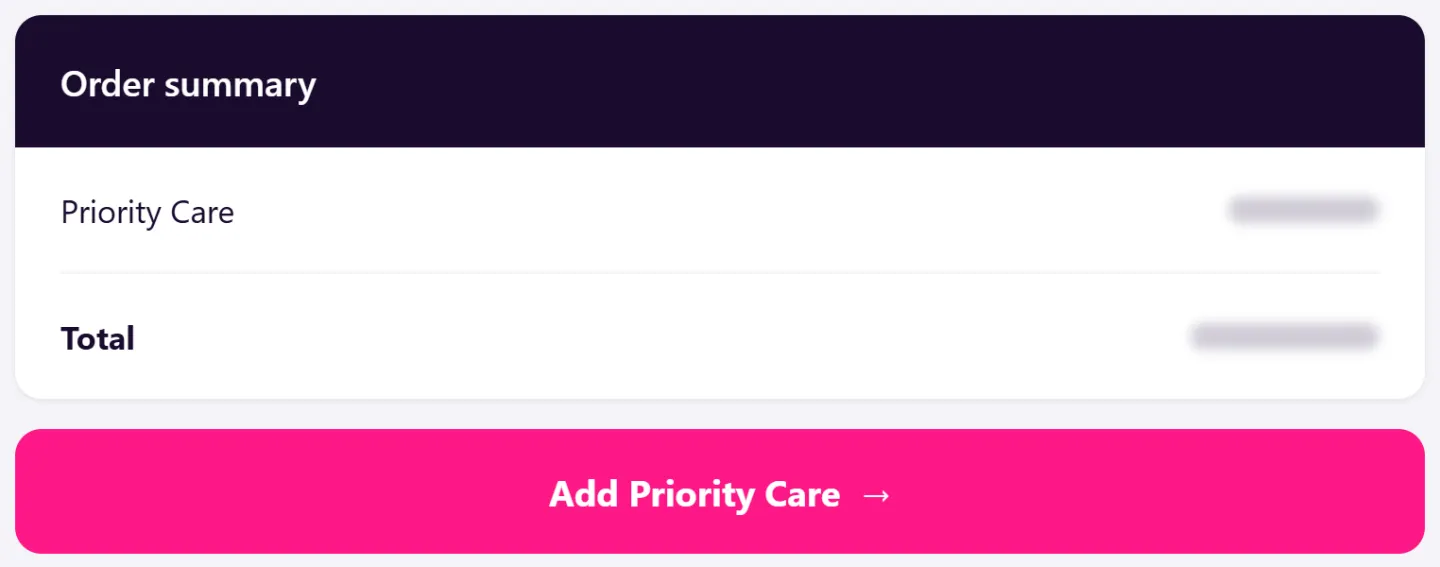
Because adding Priority Care changes your Service, you'll be asked to approve the debit order mandate. This happens every time your Service changes.
You'll see a confirmation that we've received your order, and we'll let you know once it's processed. Priority Care then shows as “Completed” under “My Orders” and appears under “My Services”.
On the Webafrica app
- Log in to the app.
- Go to “Just For You”.
- On the Priority Care card, tap “Buy Now”, then “Order Now”.
When you sign up for a new internet Service
Priority Care is added to your cart at checkout. If you don't want it, select the bin icon next to Priority Care before you place your order. Removed it by mistake? You can add it back before you complete your order.
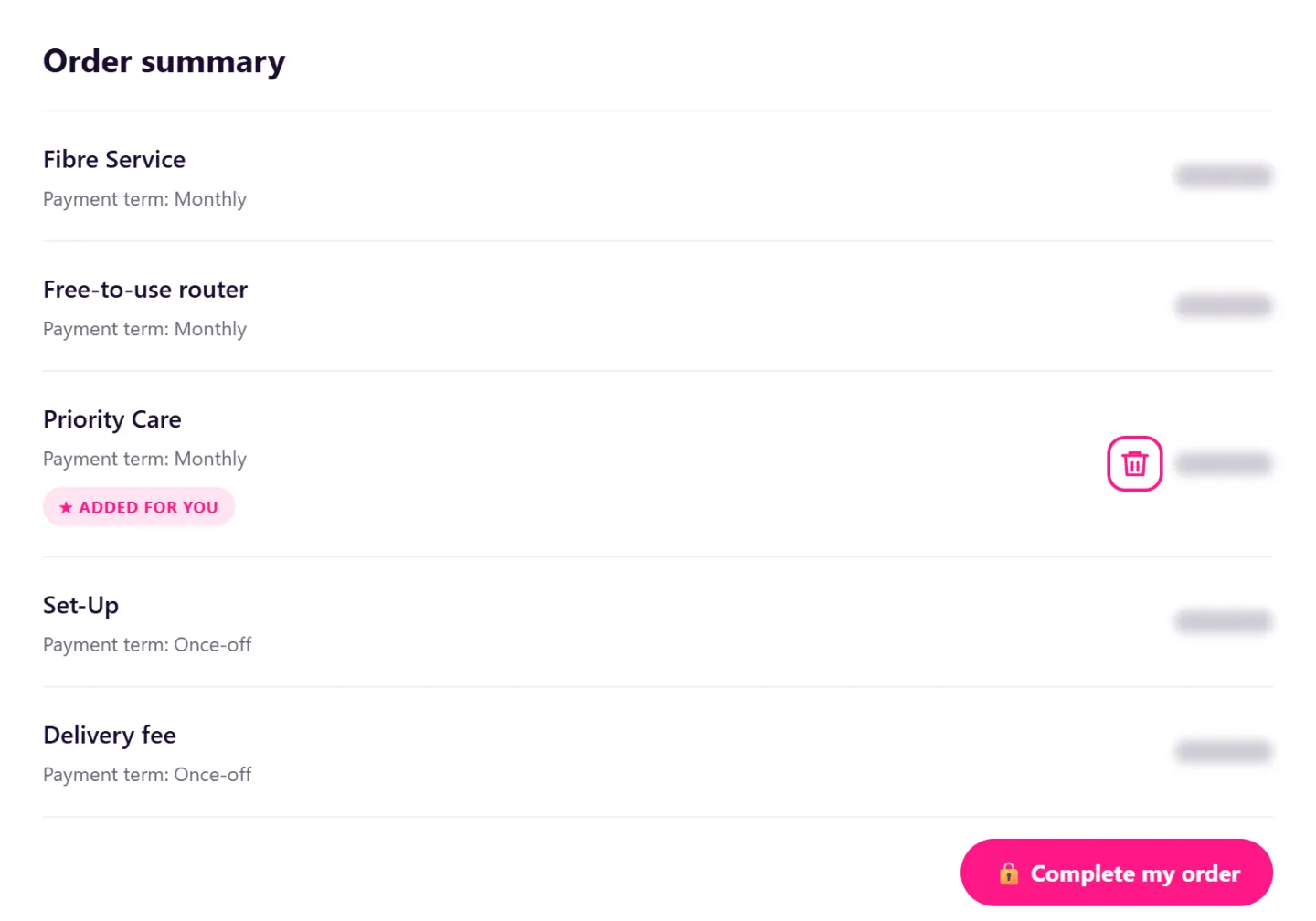
Priority Care switches on automatically once your internet Service is live, and we'll send you an SMS to confirm. If you already have Priority Care, it won't appear under “Just For You”.
How do I use Priority Care?
In your Customer Zone
- Log in to your Customer Zone.
- Select the chat icon at the bottom right of the screen.

On the Webafrica app
- Log in to the app.
- Tap “Live Chat”.
We'll recognise you as a Priority Care customer automatically and let you know you're in the Priority Care queue.
When can I use Priority Care?
Priority Care is available whenever our Live Chat is open. If you start a chat outside our operating hours, you'll be shown when we're next available.
How do I cancel Priority Care?
How you cancel depends on when Priority Care was added.
If it was added when you signed up
- Log in to your Customer Zone.
- Under “My Services”, select your internet Service.
- Select the bin icon.
- Under “What do you want to cancel”, choose “Other (Value Added Service)”, then select “Priority Care”.
- Check the details, choose a cancellation reason and submit your request.
If you added it later
- Log in to your Customer Zone.
- Under “My Services”, select “Priority Care”.
- Select the bin icon.
- Under “What do you want to cancel”, choose “Other (Value Added Service)”, then select “Priority Care”.
- Check the details, choose a cancellation reason and submit your request.
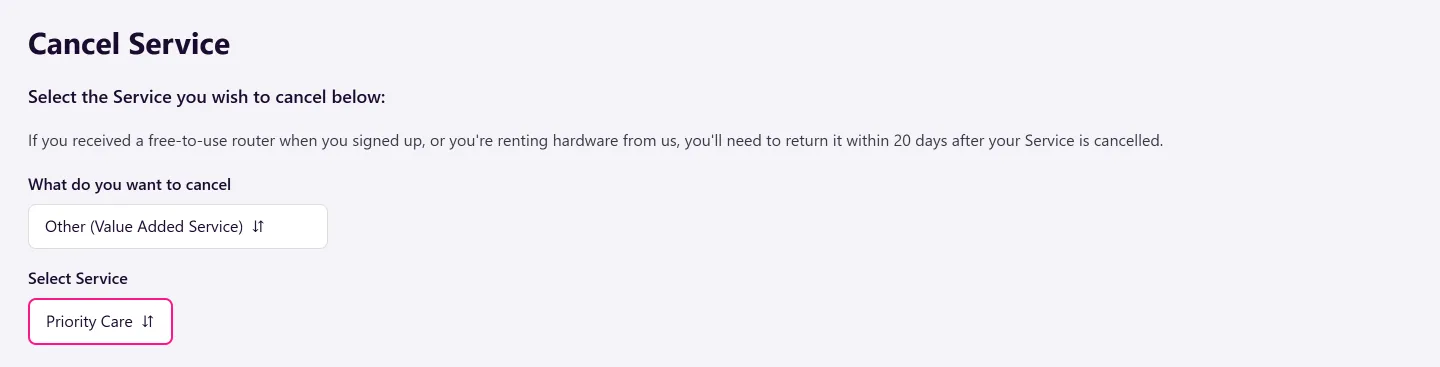
Priority Care is month-to-month with no lock-in. Cancellation needs one calendar month's notice, and your Priority Care stays active until then.
Cancelling your internet Service? Priority Care is cancelled with it automatically, so there's no need to cancel it separately.
Frequently asked questions
How do I know if I have Priority Care?
Priority Care is listed with your internet Service under “My Services” in your Customer Zone. You'll also see a confirmation that you're in the Priority Care queue when you start a chat.
What happens to Priority Care if my account is suspended?
If your account is suspended, all Services on it are suspended too, including Priority Care.
I have more than one account. Can I add Priority Care to each one?
No. You can have one Priority Care subscription per customer, even if you have more than one account registered to your ID number.
Do I have to sign a contract?
No. Priority Care is month-to-month and billed monthly with your internet Service. You can cancel any time with one calendar month's notice.
Was this article helpful?