
Earn cash by referring friends, family or clients to Webafrica Fibre or Fixed LTE. The EarnMore (Refer & Earn) programme lets you share your unique link and get rewarded when someone signs up and activates a service.
No joining fee. No complicated setup. Just refer and earn.
What Is the EarnMore Programme?
EarnMore is Webafrica’s affiliate programme available to existing customers.
Once activated, you’ll receive a unique referral link that you can share. When someone signs up using your link and their service goes active, you earn commission.
You will earn:
- R300 per successful Fibre or Fixed LTE referral
- R50 per referral on Vuma Key packages
- Commission is paid once the referred service becomes active
How to Activate Your EarnMore Account
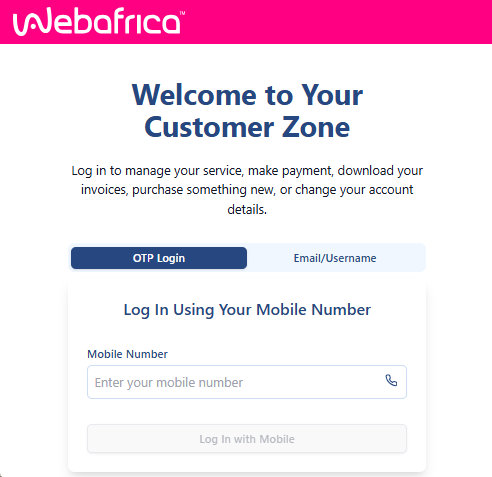
Step 1: Log in to the Customer Zone
Go to the Customer Zone at: https://my.webafrica.co.za
Log in using your Webafrica account details.
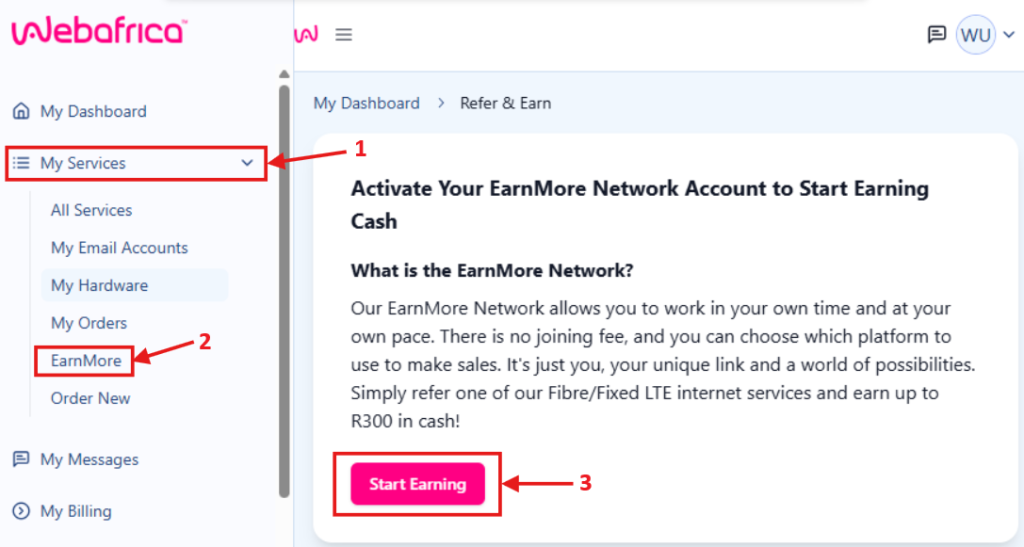
Step 2: Open EarnMore
From the left menu, select: My Services → EarnMore
You will see the EarnMore introduction page.
Click Start Earning.
Step 3: Activation in Progress
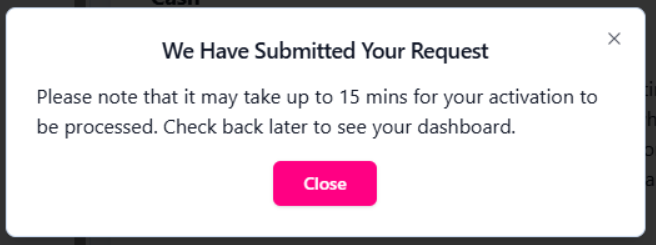
Once you click Start Earning, your request is submitted for activation.
A message will confirm that your request has been received.
Activation can take up to 15 minutes.
Close the message and allow a few minutes for processing.
Step 4: Access Your Affiliate Dashboard
Log out and back into the Customer Zone after activation.
Go again to: My Services → EarnMore
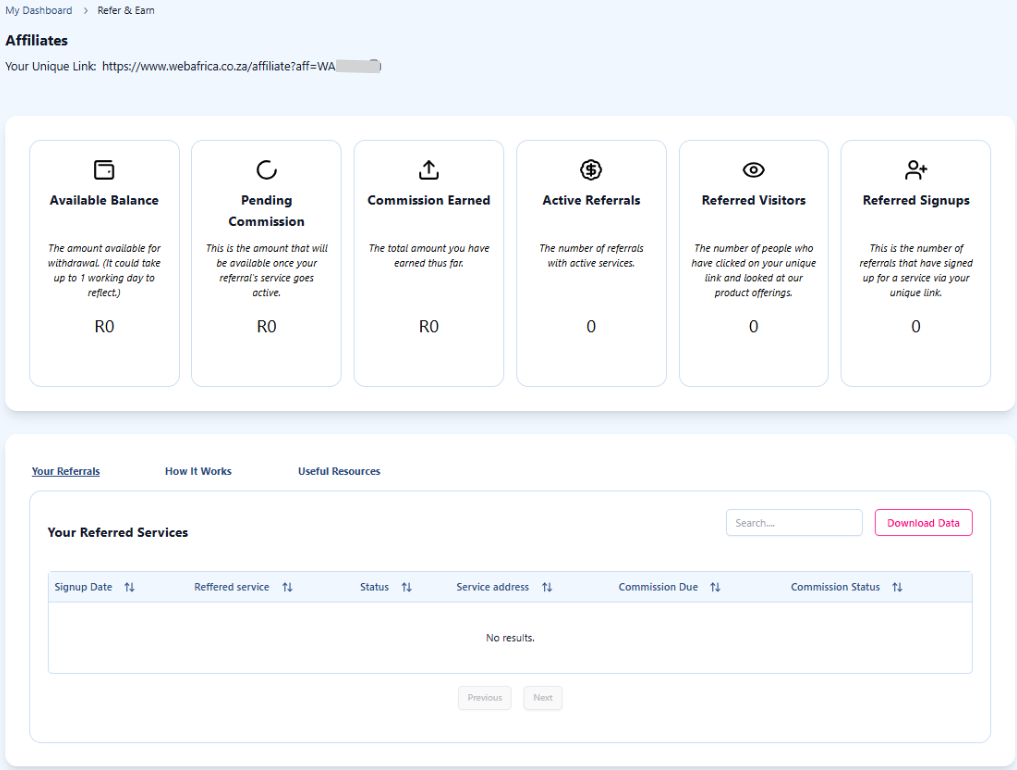
You will now see your Affiliate Dashboard.
From here, you can view:
- Your unique referral link
- Available balance
- Pending commission
- Total commission earned
- Active referrals
- Referred visitors and signups
- Referral tracking table
You can now start sharing your link and earning.
Welcome Email Confirmation
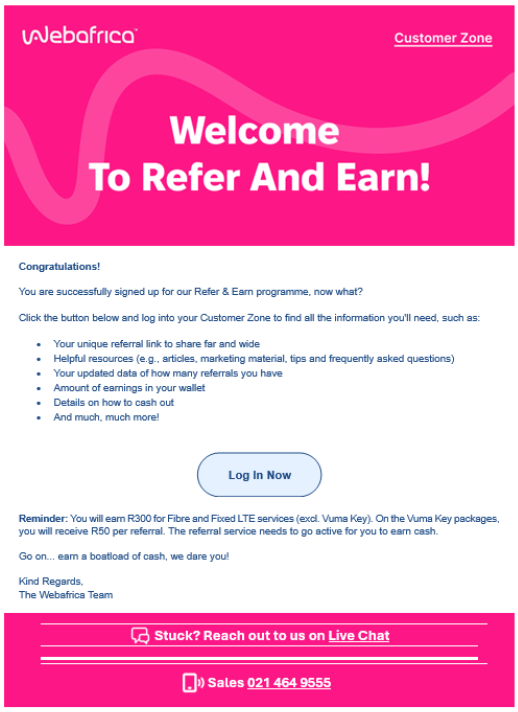
Once your account is activated, you will also receive a welcome email confirming that you’ve successfully joined the Refer & Earn programme.
This email includes:
- A link to log into the Customer Zone
- Confirmation that your affiliate account is active
- Your earning details
- Helpful resources and tips
- Information on payouts
If you don’t receive the email within a few minutes, check your spam or junk folder.
How to Start Earning
- Copy your unique referral link from the Affiliate Dashboard
- Share it with friends, family or clients
- When someone signs up using your link and activates their service, you earn commission
- Track all activity and earnings in your dashboard
The more active referrals you have, the more you can earn.
When Do I Get Paid?
The commission reflects in your dashboard once the referred service becomes active.
Your available balance may take up to one working day to update after activation.
You can view pending and available commission directly in the EarnMore dashboard.
Full payout details and withdrawal options are available inside your affiliate dashboard.
Need Help?
If you’re unable to activate EarnMore or access your dashboard:
- Log out and back into the Customer Zone
- Allow at least 15 minutes after activation
- Clear your browser cache or try another browser
Still stuck? Contact Webafrica Support via Live Chat